

URL Structure of Property Pages
From the URL segment and the name of the respective category, WP-ImmoMakler assembles the addresses of your property pages. You find the corresponding settings in the back end of your website (wp-admin) under WP-ImmoMakler → Settings → SEO/AEO/GEO, in the “URL-Struktur” section.
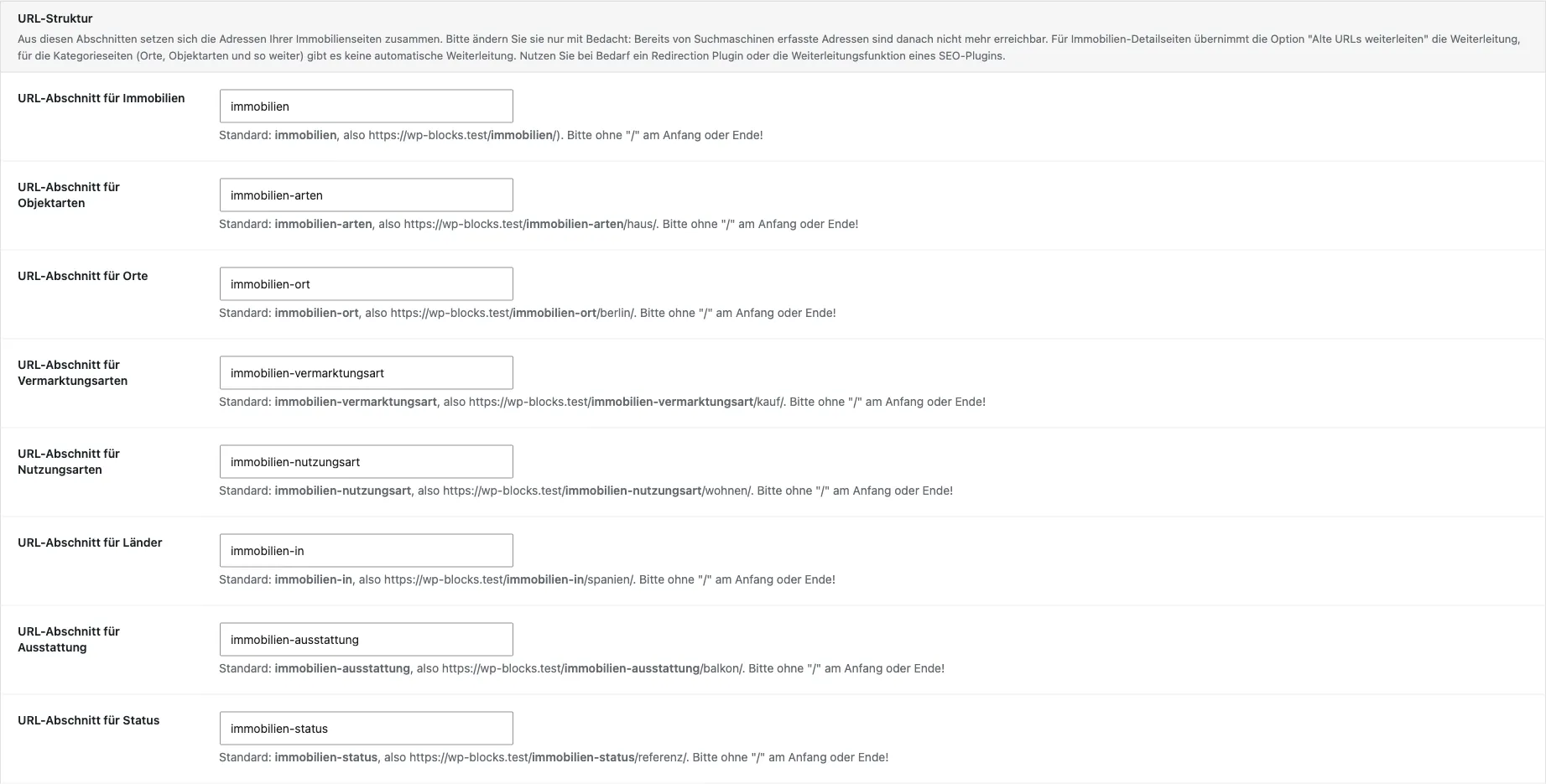
Settings Overview
Section titled “Settings Overview”| Label | Default | Example Address |
|---|---|---|
| URL-section for Properties | immobilien | /immobilien/ |
| “URL-Abschnitt für Objektarten” | immobilien-arten | /immobilien-arten/haus/ |
| “URL-Abschnitt für Orte” | immobilien-ort | /immobilien-ort/berlin/ |
| “URL-Abschnitt für Vermarktungsarten” | immobilien-vermarktungsart | /immobilien-vermarktungsart/kauf/ |
| “URL-Abschnitt für Nutzungsarten” | immobilien-nutzungsart | /immobilien-nutzungsart/wohnen/ |
| “URL-Abschnitt für Länder” | immobilien-in | /immobilien-in/spanien/ |
| “URL-Abschnitt für Ausstattung” | immobilien-ausstattung | /immobilien-ausstattung/balkon/ |
| “URL-Abschnitt für Status” | immobilien-status | /immobilien-status/referenz/ |
The first entry applies to your properties’ detail pages and your property archive; the other seven each apply to one category (taxonomy). Enter the segment without a leading or trailing slash. A slash in the middle is allowed and produces a multi-level address: immobilien/ort results in /immobilien/ort/berlin/.
WP-ImmoMakler converts spaces, capital letters, and umlauts into a valid address when saving — Immobilien Ort becomes immobilien-ort. Leave a field empty to restore the default value.
Making category pages visible
Section titled “Making category pages visible”The category pages are only reachable once your licence is activated. Whether and how search engines crawl them is controlled via your SEO plugin as well as via the options on the SEO/AEO/GEO tab — for example Redirect empty categories, which redirects currently empty category pages to your property archive instead of returning a 404 error page.