

Property Data Block
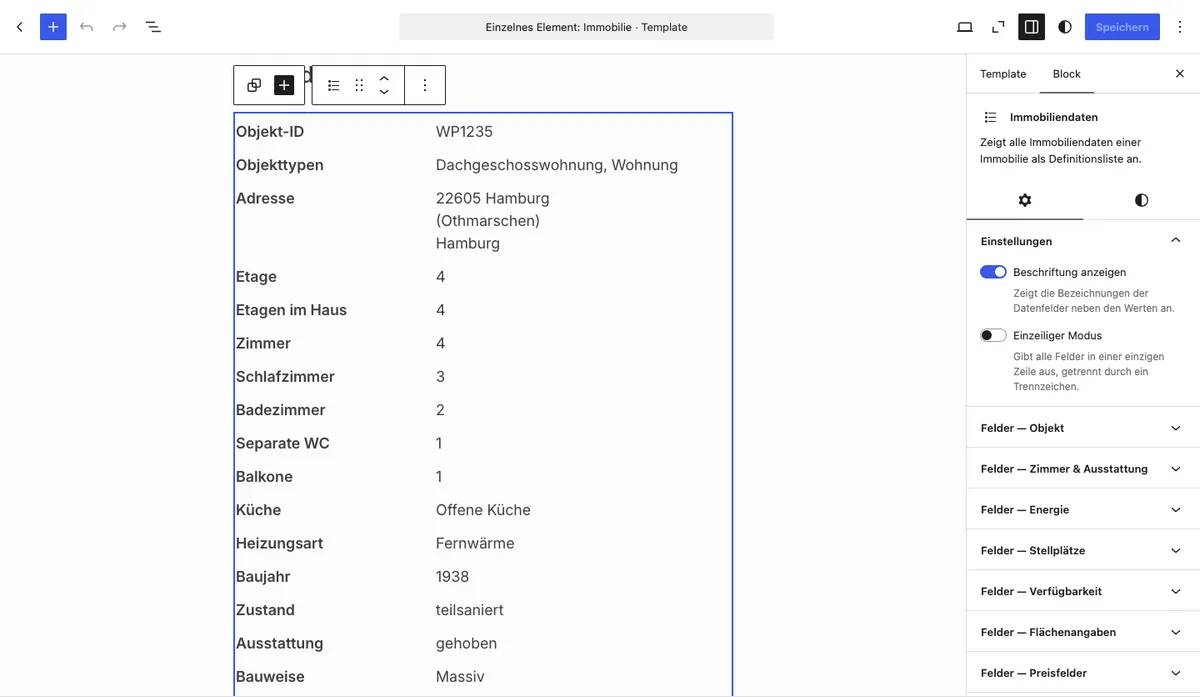
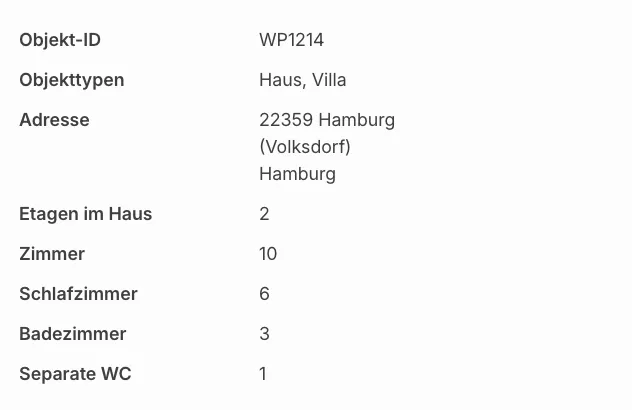
With the Property data Gutenberg block you output all available key data of a property directly in the block editor — as a clear two-column definition list with label and value. Only fields for which a value is actually entered in the property are displayed.
Requirements
Section titled “Requirements”- WordPress with the Gutenberg editor (WordPress 5.0 or later)
- WP-ImmoMakler (any edition)
Inserting the block
Section titled “Inserting the block”-
Edit a property or create a template
Open a property in the editor or create a block-based template for the Property post type.
-
Insert the block
Click the + icon and search for Property data. The block is located in the Widgets category.
-
Adjust options
In the sidebar under Settings, choose whether the label column should be displayed.
-
Save and publish
Save or update the page. The property data is now visible on the frontend.
Options
Section titled “Options”| Option | Default | Description |
|---|---|---|
| Show labels | Yes | Displays the field labels in a dedicated column next to the values |
Data displayed
Section titled “Data displayed”The block outputs all fields that WP-ImmoMakler recognises as individual data — including:
General property data: Property number, property type, address, location, floor, flat number
Areas: Living area, usable area, plot area, office area, commercial area and more
Features: Number of rooms, bedrooms, bathrooms, kitchen, balconies, terraces, heating type, energy source, year of construction, condition and more
Energy certificate: HWB value, HWB class, fGEE value, fGEE class (for a more detailed energy certificate display with graphic diagram, use the Energy Performance Certificate block)
Prices: Purchase price, net rent, gross rent, additional costs, deposit, service charge, commission and more
You might also be interested in
Section titled “You might also be interested in”- Create Single Page — Embed the complete detail view of a property with the Gutenberg block
- Energy Performance Certificate — Energy certificate data of a property with graphic diagram (Plus edition)
- Description Text — Output a description text of a property as a standalone block
- Gutenberg Blocks: Overview — All available WP-ImmoMakler Gutenberg blocks at a glance