

Contact Details Block
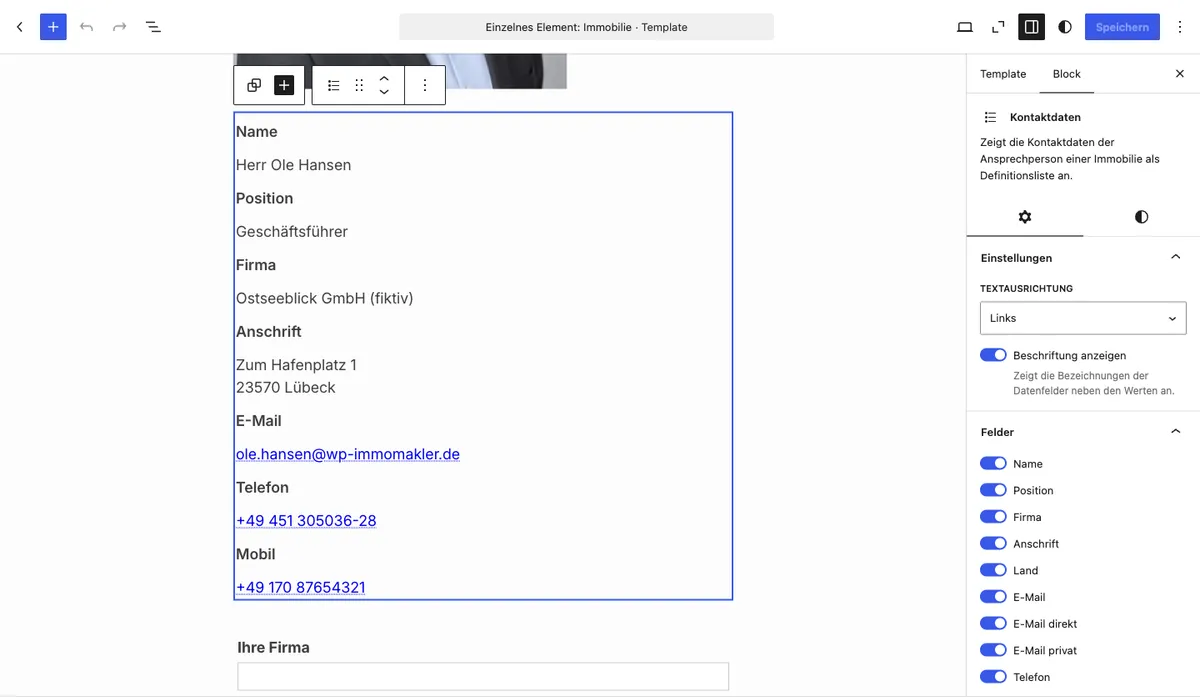
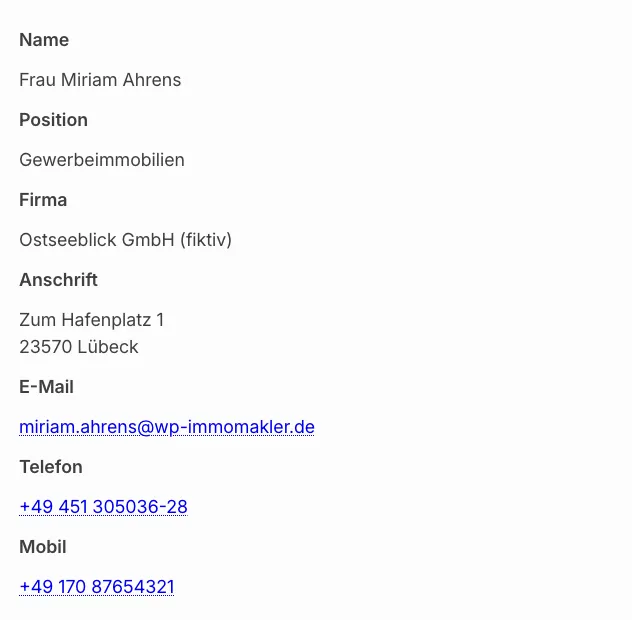
With the Contact details Gutenberg block you output the contact details of a property contact person directly in the block editor. You decide per block instance which of the 17 available fields are displayed. Only fields for which data is actually available are output automatically.
Requirements
Section titled “Requirements”- WordPress with the Gutenberg editor (WordPress 5.0 or later)
- WP-ImmoMakler (any edition)
Inserting the block
Section titled “Inserting the block”-
Edit a property or create a template
Open a property in the editor or create a block-based template for the Property post type.
-
Insert the block
Click the + icon and search for Contact details. The block is located in the Widgets category.
-
Configure fields and options
In the sidebar under Settings and Fields, select which information should be displayed.
-
Save and publish
Save or update the page. The contact details are now visible on the frontend.
Options
Section titled “Options”Settings
Section titled “Settings”| Option | Default | Description |
|---|---|---|
| Show labels | Yes | Displays the field labels (e.g. “Name”, “Phone”) in a dedicated column next to the values |
Fields
Section titled “Fields”Each of the following fields can be individually enabled or disabled per block instance (default: all enabled):
| Field | Description |
|---|---|
| Name | Full name of the contact person (salutation, title, first and last name) |
| Position | Job title or position in the company |
| Company | Company name |
| Address | Formatted address (street, postcode, city — only when address release is granted) |
| Country | Country of the contact (only displayed when it differs from the home country) |
| Central email address | |
| Email direct | Direct email address (only when it differs from the central one) |
| Email private | Private email address |
| Phone | Central phone number |
| Phone extension | Extension number (only when it differs from the central one) |
| Mobile | Mobile number |
| Phone private | Private phone number |
| Fax | Fax number |
| Website | Website URL (only displayed when it does not belong to the own domain) |
| Additional field | Free-text field “Additional field” of the contact person |
| Free-text field | Free-text field “Free-text field” of the contact person |
| Person description | Profile text from the linked person record |
Fields that you additionally select in the Customizer under Show contact details have no switch of their own in the block. They follow the Show additional fields switch at the end of the list. Turn it off if the block should show only the selected fields, for example just the name and position.
You might also be interested in
Section titled “You might also be interested in”- Property Data — Output key data of a property as a definition list
- Description Text — Output a description text of a property as a standalone block
- Energy Performance Certificate — Energy certificate data with graphic diagram (Plus edition)
- Gutenberg Blocks: Overview — All available WP-ImmoMakler Gutenberg blocks at a glance