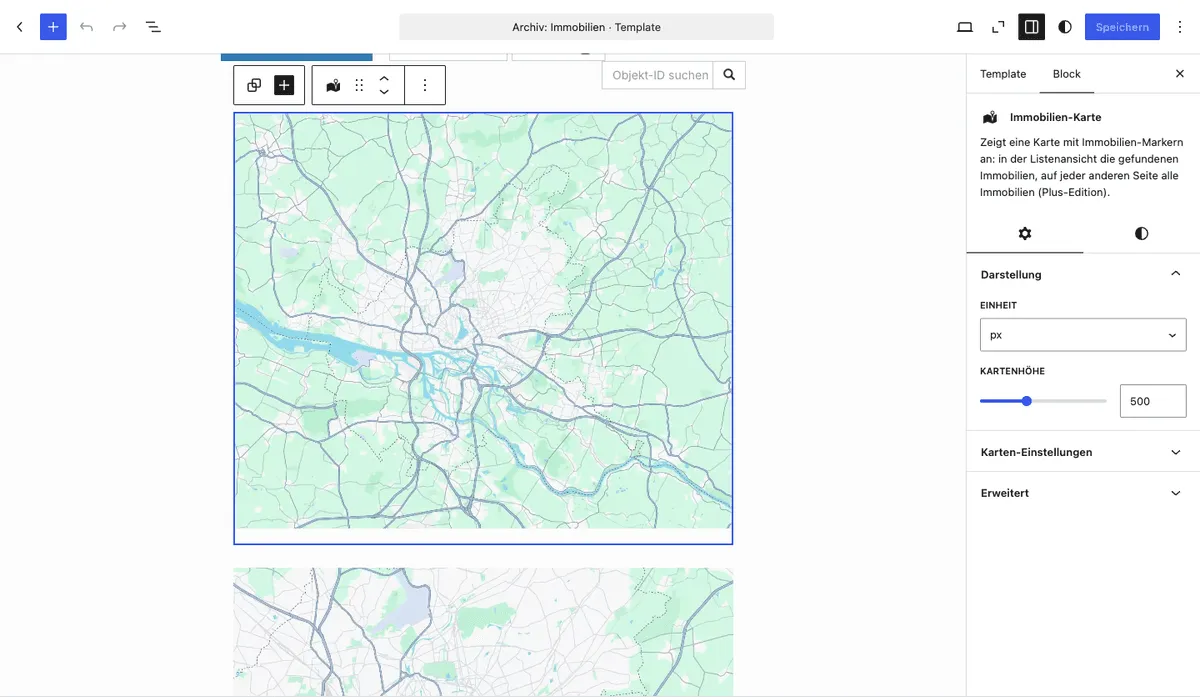
Property Map Block
With the Property map Gutenberg block (immomakler/archive-map) you display your properties as a map. In the property list view, the block plots the properties the visitor is currently seeing – including all active search filters. On any other page, such as a homepage or a dedicated map page, it plots all properties, just like the [immomakler-map] shortcode.
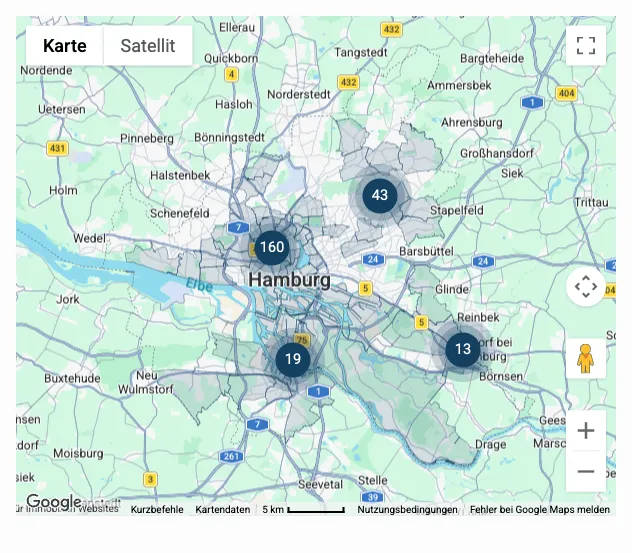
Until version 5.68.0, the block was called “Property map list view”.
Requirements
Section titled “Requirements”- WordPress with the Gutenberg editor (WordPress 5.0 or later)
- WP-ImmoMakler Plus edition
- A map provider must be selected (in the Customizer under WP-ImmoMakler → Maps). If it is set to “No map”, the block displays nothing
Inserting the block
Section titled “Inserting the block”-
Open the page or template
Open the page where the map should appear. For the property list view, open the block template for the property archive page (post type Properties) in your website’s backend (wp-admin) under Appearance → Site Editor.
-
Insert the block
Click the + icon and search for Property map, or navigate to the Widgets category. Insert the block at the desired position.
-
Check the preview
In the editor, the block shows a preview with some of your properties. Which properties appear on the frontend is only decided when the page is loaded.
-
Save the page or template
Save your change. The map now appears on the frontend.
Configuring the map height
Section titled “Configuring the map height”In the block panel Appearance you set the height of the map:
| Setting | Description |
|---|---|
| Unit | Unit for the map height: px, %, vh or vw. Default: px. |
| Map height | Height of the map in the selected unit. Default: 500 px. |
Available ranges by unit:
| Unit | Minimum | Maximum |
|---|---|---|
| px | 100 | 1200 |
| % | 10 | 100 |
| vh | 10 | 100 |
| vw | 10 | 100 |
The configured height is applied as scoped inline CSS to the map container selectors .immomakler-map-iframe, .immomakler-map-iframe iframe.map and iframe.immomakler-map-iframe.
Further map settings
Section titled “Further map settings”You set all other map options (zoom, marker colour, clustering, consent blocker, map style, etc.) centrally in your website’s backend (wp-admin) under Appearance → Customizer → WP-ImmoMakler → Maps. In the block panel Map, you can deviate from that for this one block; every setting there is set to “Inherit from Customizer” until you change it.
CSS classes for custom styling
Section titled “CSS classes for custom styling”/* Block wrapper */.wp-block-immomakler-archive-map { }
/* Map container (iframe or JS API div) */.immomakler-map-iframe { }
/* Embedded iframe element */.immomakler-map-iframe iframe.map { }