

Features/Characteristics Block
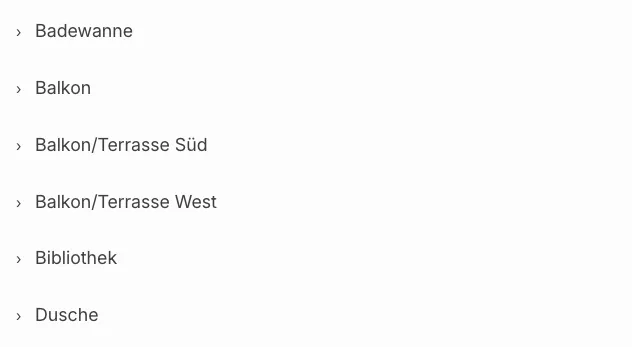
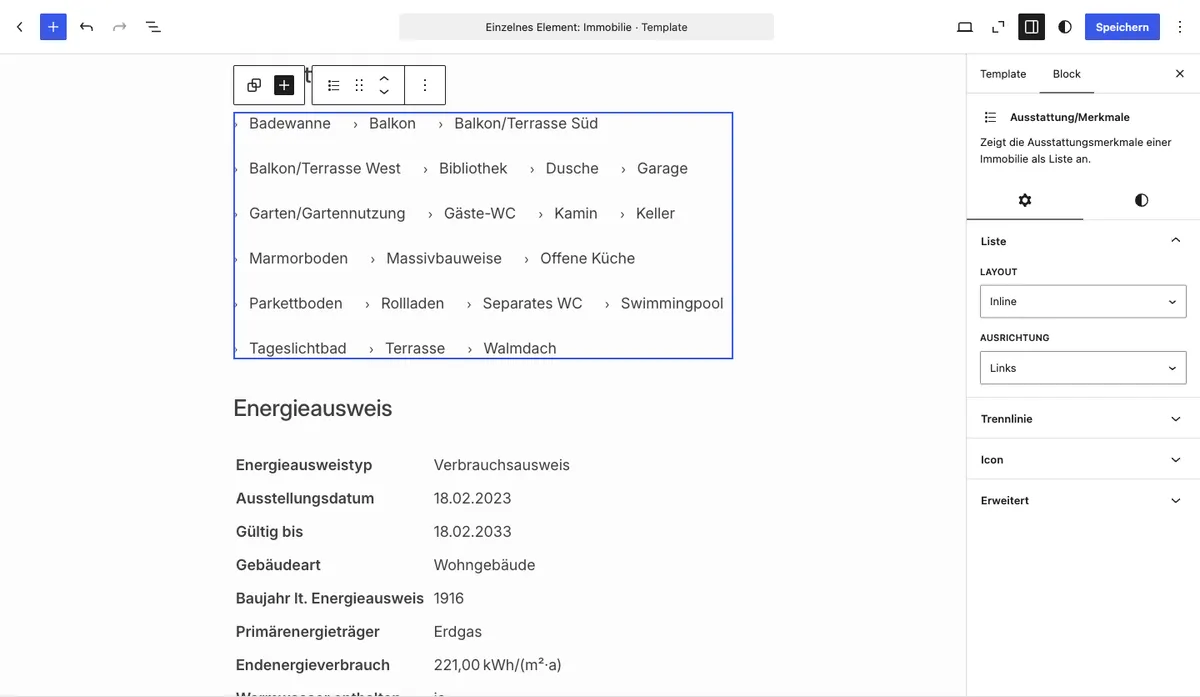
With the Features/characteristics Gutenberg block you output the features of a property as a list — directly in the block editor without a page builder. The layout and icon character can be configured in the sidebar.
Requirements
Section titled “Requirements”- WordPress with the Gutenberg editor (WordPress 5.0 or later)
- WP-ImmoMakler (any edition)
- Features must be assigned to the property (in your website’s backend (wp-admin) under WP-ImmoMakler → Features/Characteristics)
Inserting the block
Section titled “Inserting the block”-
Edit a property or create a template
Open a property in the editor or create a block-based template for the Property post type.
-
Insert the block
Click the + icon and search for Features or Characteristics. The block is located in the Widgets category.
-
Configure layout and icon
In the sidebar under Features/Characteristics, select the desired layout and icon character.
-
Save and publish
Save or update the page. The features are now visible on the frontend.
Options
Section titled “Options”| Option | Default | Description |
|---|---|---|
| Layout | List | List displays the features one below the other; Inline displays them side by side (e.g. as tags) |
| Icon character | › | Freely selectable character before each feature — e.g. ›, ✓, •, – or leave empty for no icon |
You might also be interested in
Section titled “You might also be interested in”- Create Single Page — Embed the complete detail view of a property with the Gutenberg block
- Gutenberg Blocks: Overview — All available WP-ImmoMakler Gutenberg blocks at a glance
- Elementor Pro: Single Template — Style features and other fields individually with Elementor Pro
- Bricks: Single Template — Embed features with Bricks Builder