

Description Text Block
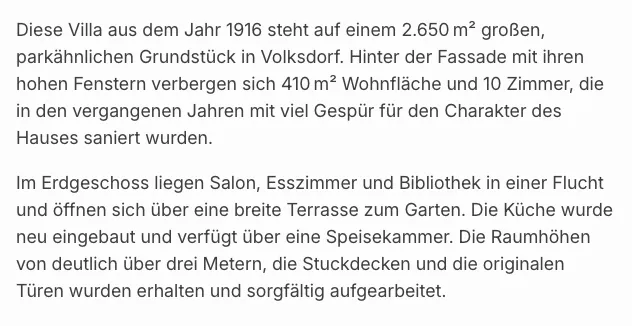
With the Property description Gutenberg block you output a single description text of a property — directly in the block editor without a page builder. Which text field is displayed and how the text is formatted can be configured per block instance.
Requirements
Section titled “Requirements”- WordPress with the Gutenberg editor (WordPress 5.0 or later)
- WP-ImmoMakler (any edition)
Inserting the block
Section titled “Inserting the block”-
Edit a property or create a template
Open a property in the editor or create a block-based template for the Property post type.
-
Insert the block
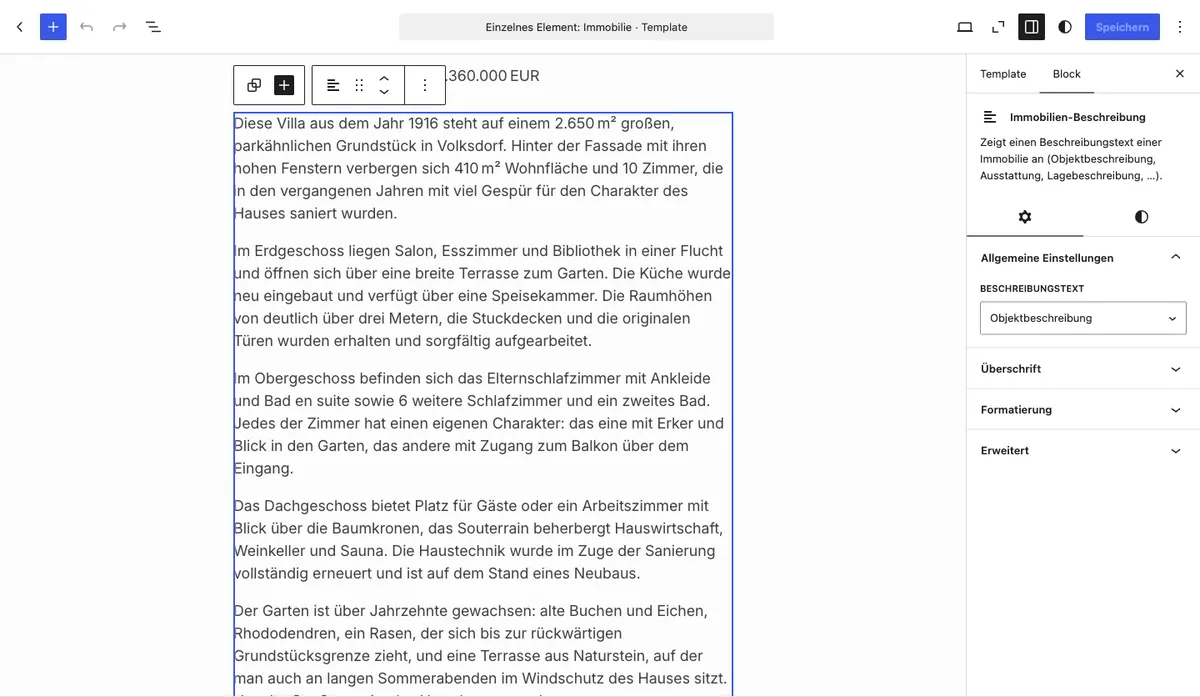
Click the + icon and search for Property description. The block is located in the Widgets category.
-
Select the description text
In the sidebar under General Settings, select the desired text field (e.g. Property Description or Location Description).
-
Adjust formatting
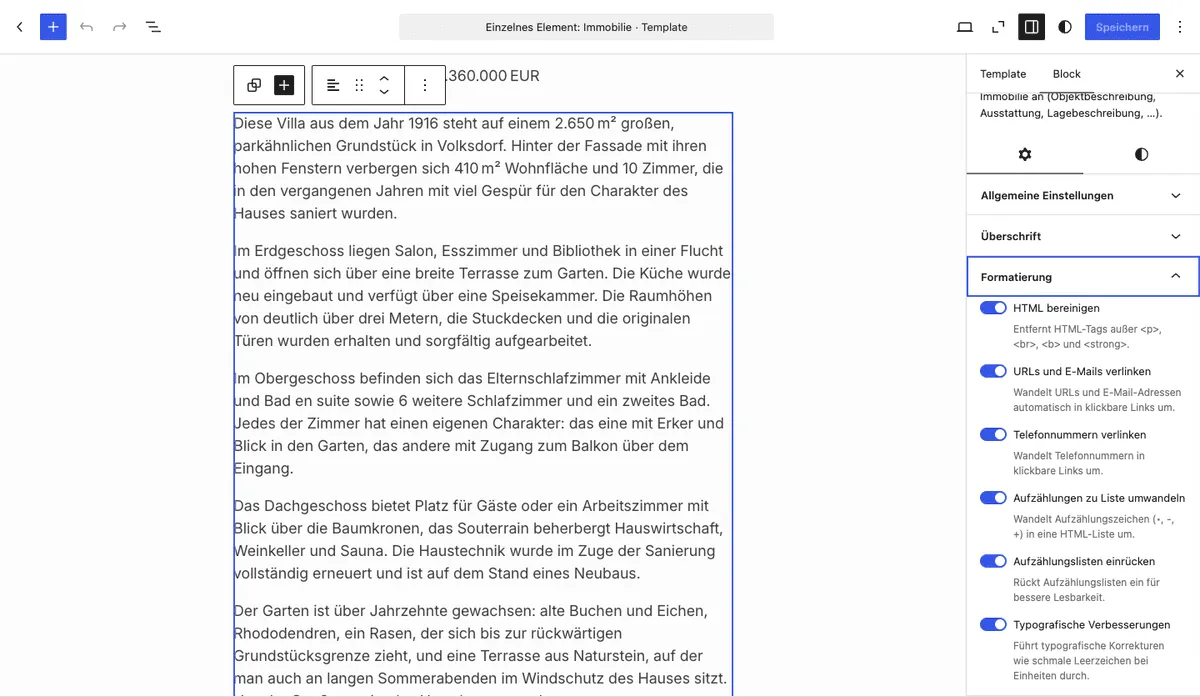
Adjust the desired options in the Formatting section. All options are enabled by default.
-
Save and publish
Save or update the page. The description text is now visible on the frontend.
Options
Section titled “Options”General Settings
Section titled “General Settings”| Option | Default | Description |
|---|---|---|
| Description text | Property Description | Selects which text field is output |
Available text fields:
| Value | Description |
|---|---|
| Property Description | Free-text field for a general description of the property |
| Features | Free-text description of the features (not to be confused with the structured Features/Characteristics) |
| Other Information | Additional information about the property |
| Location Description | Description of the location and surroundings |
| Short Description | Brief summary (three lines) |
Formatting
Section titled “Formatting”| Option | Default | Description |
|---|---|---|
| Clean HTML | Yes | Removes HTML tags except <p>, <br>, <b>, and <strong> |
| Link URLs and emails | Yes | Automatically converts URLs and email addresses into clickable links |
| Link phone numbers | Yes | Converts phone numbers into clickable tel: links |
| Convert lists | Yes | Converts bullet points (•, -, +) into an HTML list |
| Indent lists | Yes | Indents bullet lists (only active when “Convert lists” is enabled) |
| Typographic improvements | Yes | Inserts e.g. narrow spaces between numbers and units |
Style (Typography, Colour, Spacing)
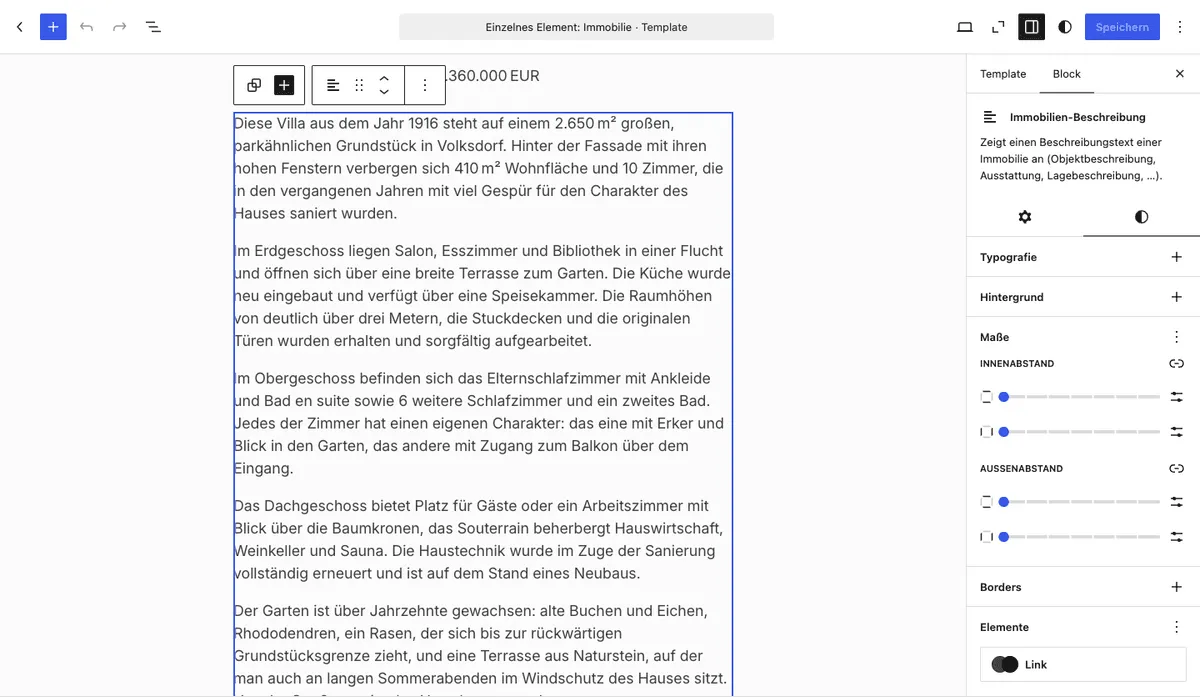
Section titled “Style (Typography, Colour, Spacing)”The block supports the built-in WordPress style controls that appear in the sidebar under Styles:
| Area | Options |
|---|---|
| Typography | Font family, font size, font weight (bold), font style (italic), line height, letter spacing, text transform, text decoration |
| Colour | Text colour, background colour, link colour |
| Spacing | Margin (outer), padding (inner) |
| Border | Border colour, border width, border style, border radius |
You might also be interested in
Section titled “You might also be interested in”- Create Single Page — Embed the complete detail view of a property with the Gutenberg block
- Features/Characteristics — Output structured property features as an icon list
- Gutenberg Blocks: Overview — All available WP-ImmoMakler Gutenberg blocks at a glance
- WPBakery: Single Template — Embed description texts with the WPBakery widget